Why Offload CI to Hugging Face Jobs?
GitHub Actions is the default CI for most open-source projects, but it has limitations: hosted runners are generic, GPU access is not available for free-tier projects, and maintenance windows can slow down your pipeline. For Trackio, we needed both reliable CPU CI for unit tests and GPU CI for CUDA-dependent tests—without managing our own runner infrastructure.
Hugging Face Jobs provides serverless compute with flexible hardware flavors (CPU, T4, A10G, H100). By connecting GitHub Actions to HF Jobs via a small dispatcher bridge, we:
- Cut CPU CI time by ~30% (from 1m40s to 1m10s)
- Enabled GPU test suites that run in 45s on T4 hardware
- Gained the ability to use custom Docker images (Playwright, CUDA)
- Streamed real-time logs back to GitHub Actions UI
This guide walks you through the exact setup we used for Trackio, step by step. You can also check out our companion article on Data Commons MCP Hosted on Google Cloud for another serverless compute example.
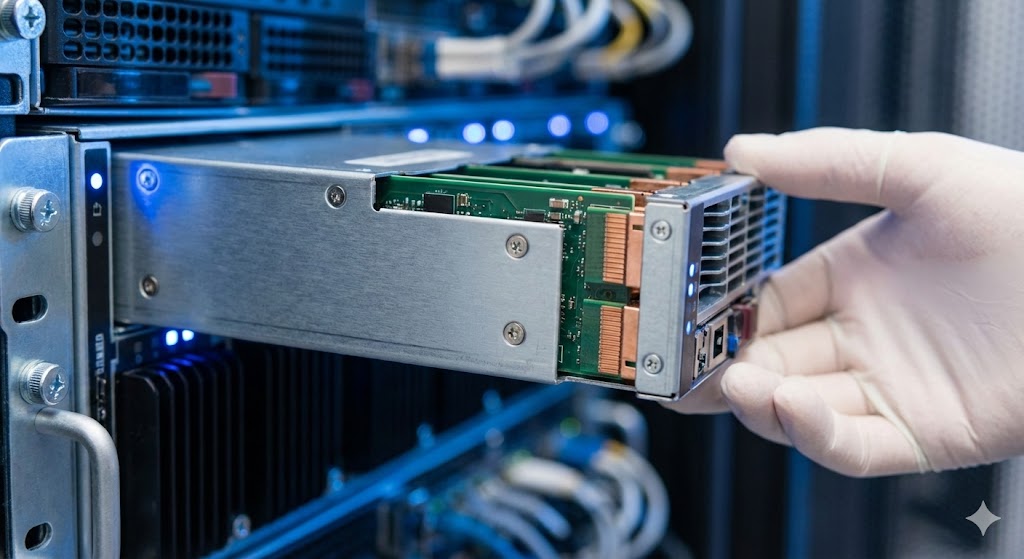
Step 1: Deploy the Dispatcher Space
The dispatcher is a small Docker Space that receives GitHub workflow_job.queued webhooks and launches HF Jobs in response. You need this first because the GitHub App requires a webhook URL.
- Go to huggingface/jobs-actions-dispatcher and click Duplicate this Space.
- Set:
- Owner: Your HF user or org
- Name:
jobs-actions-dispatcher - Hardware:
cpu-upgrade(recommended for production;cpu-basicmay sleep and miss webhooks)
- After building, open the Space. The landing page shows your webhook URL:
https://YOUR-HF-NAMESPACE-jobs-actions-dispatcher.hf.space/webhook
CLI Alternative
export HF_NAMESPACE=your-hf-user-or-org
export SPACE_ID="$HF_NAMESPACE/jobs-actions-dispatcher"
hf repo duplicate huggingface/jobs-actions-dispatcher "$SPACE_ID" \
  --type space \
  --flavor cpu-upgrade \
  --exist-ok
export DISPATCHER_URL="https://${HF_NAMESPACE}-jobs-actions-dispatcher.hf.space"
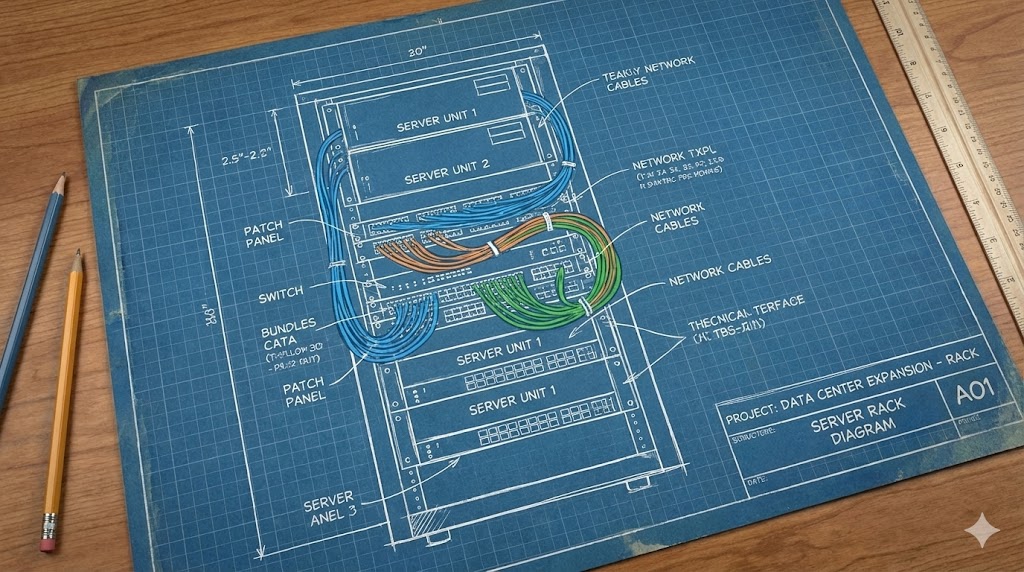
Step 2: Create and Install the GitHub App
From your dispatcher Space UI, enter your GitHub repo (YOUR-GITHUB-ORG/YOUR-REPO) and click Create GitHub App. GitHub will ask for an App name—choose any available name. The final screen provides CLI commands to upload credentials.
Important: Save your Hugging Face token (with Jobs launch permissions) as the HF_TOKEN secret in the dispatcher Space.
Then install the App on your repo from the GitHub App settings page:
https://github.com/organizations/YOUR-GITHUB-ORG/settings/installations
Step 3: Update Your Workflow
Change the runs-on label from ubuntu-latest to one of the dispatcher labels:
name: HF Jobs CI
on:
  pull_request:
  push:
    branches: [main]
  workflow_dispatch:

jobs:
  test:
    runs-on: hf-jobs-cpu-upgrade
    steps:
      - uses: actions/checkout@v4
      - run: echo "Hello from Hugging Face Jobs"
For GPU tests, use hf-jobs-t4-small or hf-jobs-a10g-small.
Step 4: Choose the Right Docker Image
GitHub's ubuntu-latest includes many dev tools. With HF Jobs, you control the image. For Trackio:
- CPU tests:
mcr.microsoft.com/playwright:v1.60.0-jammy(includes Node, Playwright, ffmpeg, git) - GPU tests:
nvidia/cuda:12.4.0-runtime-ubuntu22.04
Specify the image in your workflow via container::
jobs:
  test:
    runs-on: hf-jobs-cpu-upgrade
    container:
      image: mcr.microsoft.com/playwright:v1.60.0-jammy
    steps:
      - uses: actions/checkout@v4
      - run: npx playwright test
Step 5: Verify and Monitor
Check runs from CLI:
gh run list --repo YOUR-GITHUB-ORG/YOUR-REPO --limit 5
hf jobs ps --namespace "$HF_NAMESPACE"
hf spaces logs "$SPACE_ID"
Logs stream back to GitHub Actions UI in real time. You can also fetch them locally:
hf jobs logs > logs.txt
For a deeper understanding of distributed systems patterns used in this bridge, see our PyTorch Distributed Communication Tutorial.

Limitations & Caveats
- Cold starts: If the dispatcher Space sleeps (on
cpu-basic), the first webhook may be delayed until it wakes up. - Cost: HF Jobs are not free; monitor usage to avoid surprises. T4-small at ~45s costs less than a cent per run.
- Image compatibility: Not all Docker images work out of the box. You may need to install missing system packages (e.g.,
apt-get update && apt-get install -y git). - Network egress: HF Jobs have limited egress bandwidth; large artifact downloads may be slower than GitHub-hosted runners.
Next Steps
- Experiment with different hardware flavors (A10G, H100) for ML training CI.
- Mount Hugging Face datasets or models as volumes for faster data loading in CI.
- Explore the
hf jobsCLI for more advanced job configurations (e.g., environment variables, secrets).
This setup gives you the flexibility of GitHub Actions with the hardware diversity of Hugging Face Jobs. Start with a simple workflow, then expand to GPU tests and custom images.